The document portal: files, previews & customer sharing
One searchable library for install photos, videos, PDFs and contracts — filed against the right records, previewed inline, and shared with customers via expiring links.
Shop operations11 in this section
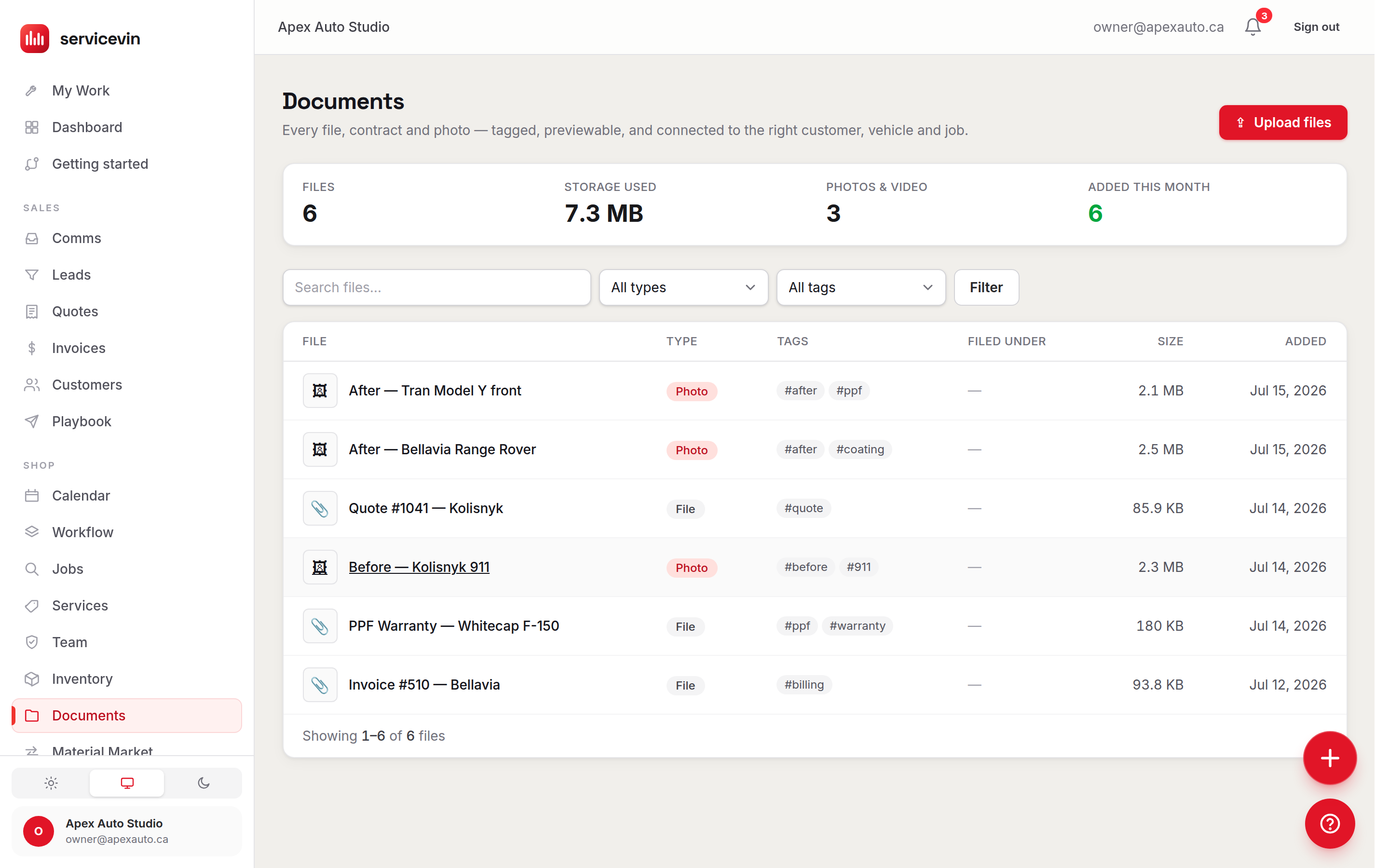
Documents is the shop's file library: install photos, walk-around videos, warranty PDFs, signed contracts — searchable, filterable by type and #tag, and open to every shop member (techs file install photos too). Files are filed against records — a customer, vehicle, job, quote or invoice — so they surface right on those pages, not just in the library.
Uploading
- 1
Pick or drop files
The upload panel takes up to 20 files at a time, 200 MB each — big enough for real install video. Files go straight from the browser to storage, so large uploads don't crawl through the app server.
- 2
Tag and file in one pass
Add batch tags and choose what to file the whole batch under. Arriving from a customer, vehicle or job page pre-fills the filing for you.
- 3
Refine on the detail page
Each file's page previews it inline — image, PDF or video, via a short-lived signed URL — and lets you rename it, edit tags, and file it under more records.
Sharing with customers is manager-gated: on a file's page, managers can mint a share link that the customer opens at a /p/document/… address — no login needed. Links expire after 30 days and can be revoked at any time from the same panel, so nothing you share is permanent by accident.
Troubleshooting
I can't find the Share option on a file.
Why: Sharing (and deleting) is limited to managers; techs can upload, tag and file, but not share.
Fix: Ask a manager to share it, or have the owner upgrade your role on the Team page.
A customer says their document link stopped working.
Why: Share links expire after 30 days, or the link was revoked.
Fix: Open the file and mint a fresh link — the old one stays dead, the new one starts a fresh 30-day clock.
Common questions
What file types preview inline?
Images, PDFs and videos render right on the file's page. Anything else gets an "open in a new tab" link instead — it's stored and shareable all the same.
Are the files public?
No. Everything lives in a private bucket; previews use short-lived signed URLs minted only after the app confirms you may see the file, and customers only ever see files explicitly shared to them.