Stop sending a PDF. Send a page they can act on.
In Service VIN, every quote, invoice, receipt, job and shared document gets its own private, link-only page — no login, no app, just a secure link. They approve the quote, pay the deposit, watch the install and open the warranty right there, on a page that looks like it came from your shop.
- No login for customers
- Your logo & color
- No-indexed, never searchable
Northside PPF & Detail
Toronto, ON · (416) 555-0134
Quote #1043
Prepared for Priya S.
Choose your package
Add-ons
Let them build the job — then close it themselves.
On a Service VIN quote the customer picks a package, ticks the add-ons they want, and watches the total and the deposit re-price live as they go — bundle promotions applying themselves along the way. When it's right, they sign on screen and pay the deposit in one motion. When it isn't, they send a Request-changes message straight back to you instead of ghosting.
Northside PPF & Detail
Toronto, ON · (416) 555-0134
Quote #1043
Prepared for Priya S.
You're the customer here. Change the package, tick an add-on, and watch the total and the deposit move.
Sign here
Priya S. · not signed yet
Sample dataSample data — a demonstration of the quote page, not a customer's account. The packages, add-ons and the sample bundle promotion are this fictional shop's, and so is its deposit rule: a flat deposit per package. Your prices, add-ons, promotions and deposit rules are whatever you set.
One secure link per document. Nothing else to install.
Every quote, invoice, receipt, job and shared document becomes its own page behind a private, link-only token. You send the link; they tap it. That's the whole “onboarding.”
The quote
Not a flat PDF — a page the customer can actually use. They pick a package, tick the add-ons, and watch the total and deposit re-price live, then sign on screen and pay the deposit in one motion, or send a Request-changes note back to you.
The job
A live install tracker: the appointment window, a six-step progress stepper, and each work item's status — so the customer can see exactly where their car is without picking up the phone.
The invoice
A clean, read-only invoice showing the exact balance due, with a Pay-now button that runs the same hardened Stripe Checkout as everything else. No paper, no “call to pay.”
The documents
Warranty PDFs, care instructions and install photos, opened through a short-lived signed link with an inline preview — the paperwork lands where the customer can find it, not lost in a text thread.
“Where's my car?” answers itself.
Once the job's booked, the same link family keeps working. A read-only job page tracks the install; a read-only invoice takes the final payment. No more phone tag, no more “can you resend that.”
Northside PPF & Detail
Toronto, ON · (416) 555-0134
Job #1043
Prepared for Priya S.
Appointment
Tue, Jul 28 · 9:00 a.m.
- Booked
- In progress
- 3Curing
- 4Quality check
- 5Ready
- 6Completed
View-only — updates as your shop moves the job along.
The job pageis a live install tracker: the appointment window, a six-step stepper — Booked, In progress, Curing, Quality check, Ready for pickup, Completed — and every work item's status. It's view-only, so customers watch without being able to reschedule or free-text you.
Northside PPF & Detail
Toronto, ON · (416) 555-0134
Invoice #1043
Prepared for Priya S.
Runs on the same hardened Stripe Checkout as the rest of the shop.
The invoice pageis a clean, read-only invoice showing the exact balance due, with a Pay-now button on the same hardened Stripe Checkout. Online payment needs your shop's Stripe Connect account — until it's connected, the page tells the customer the shop will be in touch.
Warranties and photos, not lost in a text thread.
When you share a document — a warranty PDF, care instructions, a set of install photos — the customer opens it on its own token-gated page, with an inline preview, through a short-lived signed link that expires on its own. Quotes and invoices can also carry your install-photo gallery and your reviews, so the work sells itself.
Link-only, revocable, and never in a search engine.
A page anyone can reach is a page you can't control. The portal is built the other way around: the token is the key, the key is rate-limited and revocable, and none of it is indexable.
No login, no app
There's no account to create and nothing to download. The link itself is the key — the customer taps it and they're in. Deliberately: the portal is token-link-only, so there's no password to forget or reset.
Private and revocable
Every link is rate-limited and revocable. Documents open through a short-lived signed URL that expires on its own. If a link ever gets forwarded where it shouldn't, you kill it.
Never in a search engine
Every portal page is no-indexed, so a customer's quote, invoice or install photos never turn up in a Google search — not yours, not theirs, not anyone's.
Your brand, not ours
Every page carries your logo and accent color as the letterhead, and can be downloaded as a PDF where it applies. The letterhead is only the start: choose from five completely different designs for the portal — Modern, Concours, Apex, Heritage and Showroom. Free on every plan, on the 14-day trial included. It reads like it came from your shop, because it did.
What the portal won't do.
The boundaries are the product here. A link that can do anything is a link you can't hand out, so these four limits are enforced rather than promised.
It won't give your customer an account
There is no login, no password and no app — by design. The secure token in the link is the only key, so a customer can't sign in somewhere to browse everything you've ever sent them; they open the link you sent.
It won't let them reschedule or message you from the job page
The job page is view-only. It tracks the install and nothing else — the approve, pay and request-changes actions all live on the quote, so a customer can't move a booking out from under your board.
It won't take a card until Stripe is connected
Online payment needs your shop's Stripe Connect account. Until it's connected the page cleanly tells the customer the shop will be in touch to collect payment, rather than showing a button that fails.
It won't keep a document link alive forever
A shared file opens through a signed URL that is minted fresh and expires on its own, and the share link itself is revocable. That is the trade for privacy: a link you sent last year is not guaranteed to still open.
It looks like it came from your shop. Because it did.
Every portal page opens with your logo and your accent color as the letterhead, and can be downloaded as a PDF where that makes sense. On a quote or an invoice, your install-photo gallery and your reviews sit right there under the numbers — the proof that closes the job, on the same page as the price.
- Your logo and accent color as the letterhead on every page
- Install-photo gallery and reviews on quotes and invoices
- Downloadable as a PDF where it applies
- One consistent look across quote, job, invoice, document and receipt
Northside PPF & Detail
Toronto, ON · (416) 555-0134
Receipt #1043
Prepared for Priya S.
From the shop
“Flawless full-front install and the tracker meant I never had to call. Would send anyone here.”
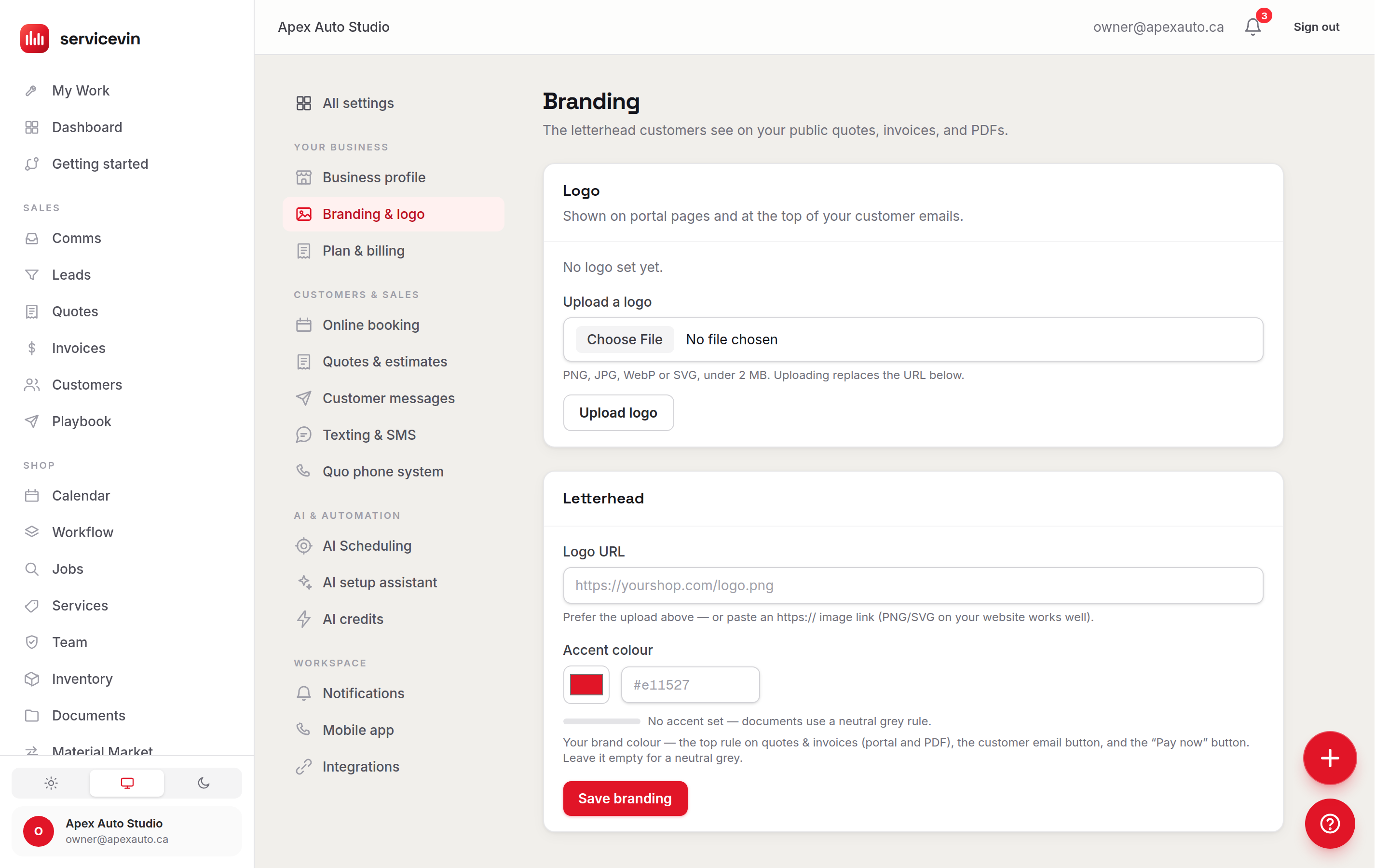
You set the letterhead once. Every page wears it.
A logo, an accent colour, and the preview of what the customer will open. Change it here and the quote, the job, the invoice, the receipt and the shared document all change together.
Customer Portal or Document Portal?
Both hand a customer a private link, and they are not the same thing. Here is the plain split.
Customer Portal
You are hereYou want this when you want the customer's live view of one job — the quote they approve, the install they watch, the invoice they pay.
It does not store your files. It links to the paperwork; it isn't where the paperwork lives.
Document Portal
You want this when you want the files themselves — warranties, care instructions, install photos — kept in one place and shared by link.
It does not take an approval, a signature or a payment. It shares documents; it doesn't move a job along.
Questions, answered.
Does my customer have to create an account?
No — and that's on purpose. There's no login, no password and no app to install. Each quote, job, invoice, receipt and shared document gets its own private, link-only page, and the secure token in the link is the only key needed. You send the link (usually by text); they tap it and they're looking at their document. Behind the scenes those links are rate-limited and revocable, so a link that shouldn't be live anymore simply stops working.
How does the interactive quote work?
The quote isn't a static PDF — it's a page the customer configures. They choose a package, tick the add-ons they want, and the total and the deposit re-price live as they go, with any bundle promotions applying themselves. When they're happy they sign right on the screen and pay the deposit in one motion — or, if something's off, they send a Request-changes message straight back to you instead of signing.
Can customers pay online?
Yes, when your shop is set up for it. A quote's deposit and an invoice's balance both run through the same hardened Stripe Checkout the rest of Service VIN uses, and the invoice page always shows the exact balance due. Online payment does require your shop's Stripe Connect account to be connected — until it is, the page cleanly tells the customer the shop will be in touch to collect payment, so nothing looks broken.
What can the customer actually see on the job page?
A read-only install tracker. It shows the appointment window, a six-step progress stepper — Booked, In progress, Curing, Quality check, Ready for pickup, Completed — and the status of each work item on the car. It's there so customers stop calling to ask “where's my car?”. It's view-only: the job page doesn't let them reschedule or free-text you — the approve, pay and request-changes actions live on the quote.
How do the document links stay private?
A shared document — a warranty PDF, care instructions, install photos — opens through a link that's tied to a token and, once that token checks out, a short-lived signed URL for the actual file. The file link isn't permanent: it's minted fresh and expires on its own, and the share link itself is revocable. On top of that, every portal page is no-indexed, so none of it turns up in a search engine.
Will it look like my shop or like Service VIN?
Like your shop. Every portal page — quote, job, invoice, document, receipt — is stamped with your logo and your accent color as the letterhead, and quotes and invoices can carry your install-photo gallery and your reviews. Where it makes sense the page can be downloaded as a PDF too. Service VIN's job is to run the page; your brand is what the customer sees.
It doesn't work alone
What sits on the other side of the link
- FeatureQuotes & InvoicingWhere the quote behind the portal page is built and costed.
- FeaturePayments & DepositsThe Stripe checkout behind Sign-and-pay and Pay-now.
- FeatureDocument PortalWhere the warranty PDF and the install photos actually live.
- FeatureThe Installer AppWhat moves the stepper the customer is watching.
A booked bay is the only marketing metric that pays a bill.
Give every customer a page, not a paper chase.
Approve, pay, track and download — all from one private link, all under your brand. Start free and send your first branded quote today.
Free for 14 days, card required. Your booking page can be live this afternoon.