Notifications: who hears about what
Route owner alerts — low film, market orders, new bookings — to the right inbox, tune the reorder buffer, and know what the weekly digest needs to send.
Settings & integrations10 in this section
Settings → Notifications decides who gets emailed when something needs attention. All alerts are on by default, so notifications work out of the box — this page is for routing them and switching individual kinds off. The Owner email field is where owner-facing alerts go; leave it blank and they fall back to your shop email from Settings → Shop profile.
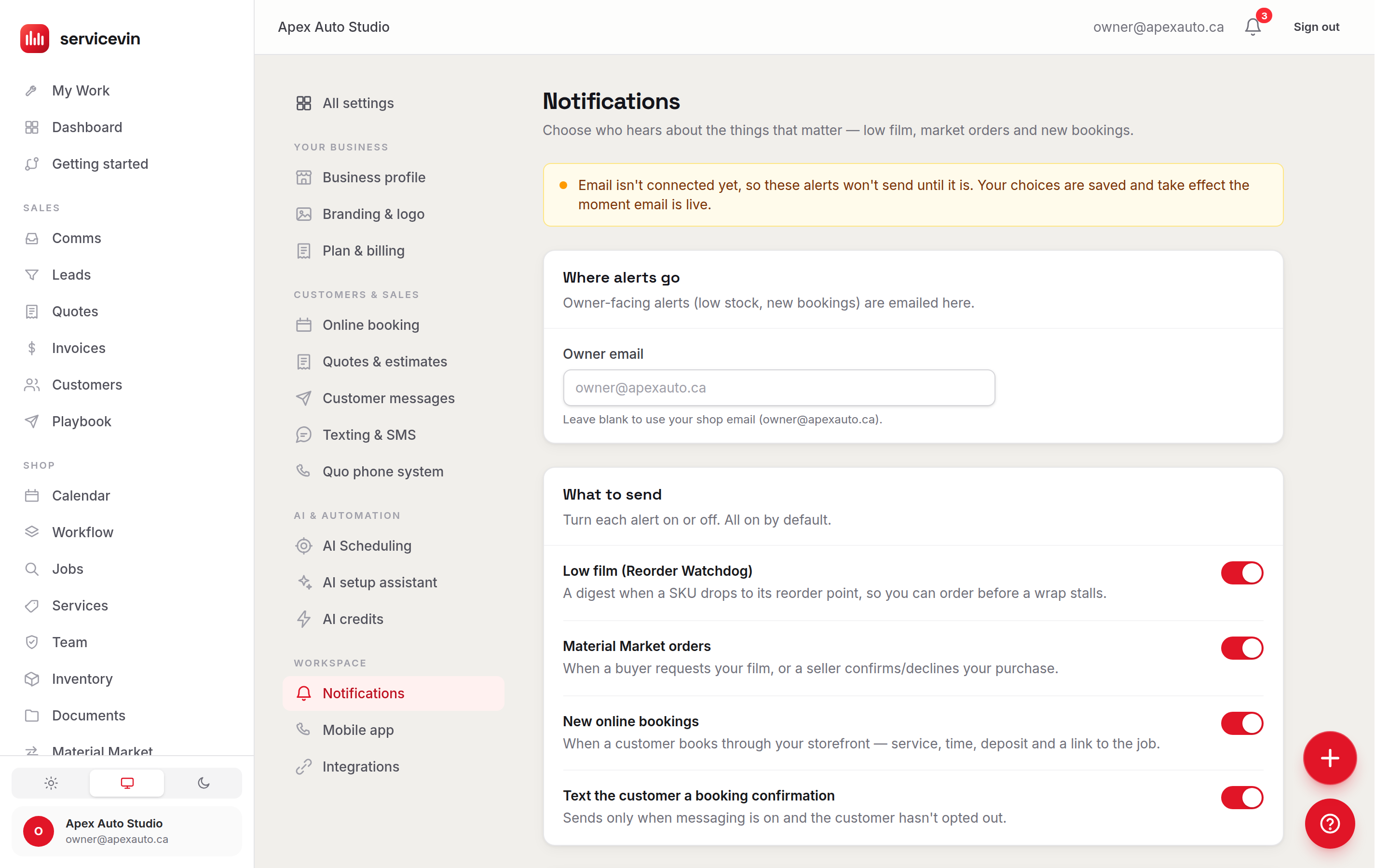
The switches
The reorder buffer gives you lead time on film: set it to warn that many feet before the reorder point (0 means alert exactly at the reorder point). Separately, the weekly digest — a Monday-morning summary of the shop's week — is on by default for every shop and is stored with these notification settings; there's no switch for it on this page yet, so Ask Dash (the ? button, bottom-right) if you want it turned off.
Troubleshooting
Alerts go to the wrong inbox.
Why: The Owner email override is set (or blank when you expected an override).
Fix: Set the address you want in Owner email, or clear it to fall back to the shop email on Settings → Shop profile.
Low-film alerts arrive after you've already run out.
Why: The reorder buffer is 0, so the alert fires exactly at the reorder point.
Fix: Raise the buffer to warn that many feet early — enough to cover your supplier's shipping time.
Common questions
Do my techs get these alerts too?
No — these are owner-facing emails sent to one address (the Owner email, or the shop email as fallback). Crew push alerts on phones are configured separately under Settings → Mobile app.
Why does the booking-confirmation text sometimes not send?
It only sends when automated messaging is enabled on Settings → Messaging and the customer hasn't opted out of texts. Both are checked at send time.