The AI Scheduler: profit-ranked slots
The scheduler ranks every open slot by projected profit — honoring your bays, installer skills, cure time and the calendar — and you pick what to book.
AI & automations13 in this section
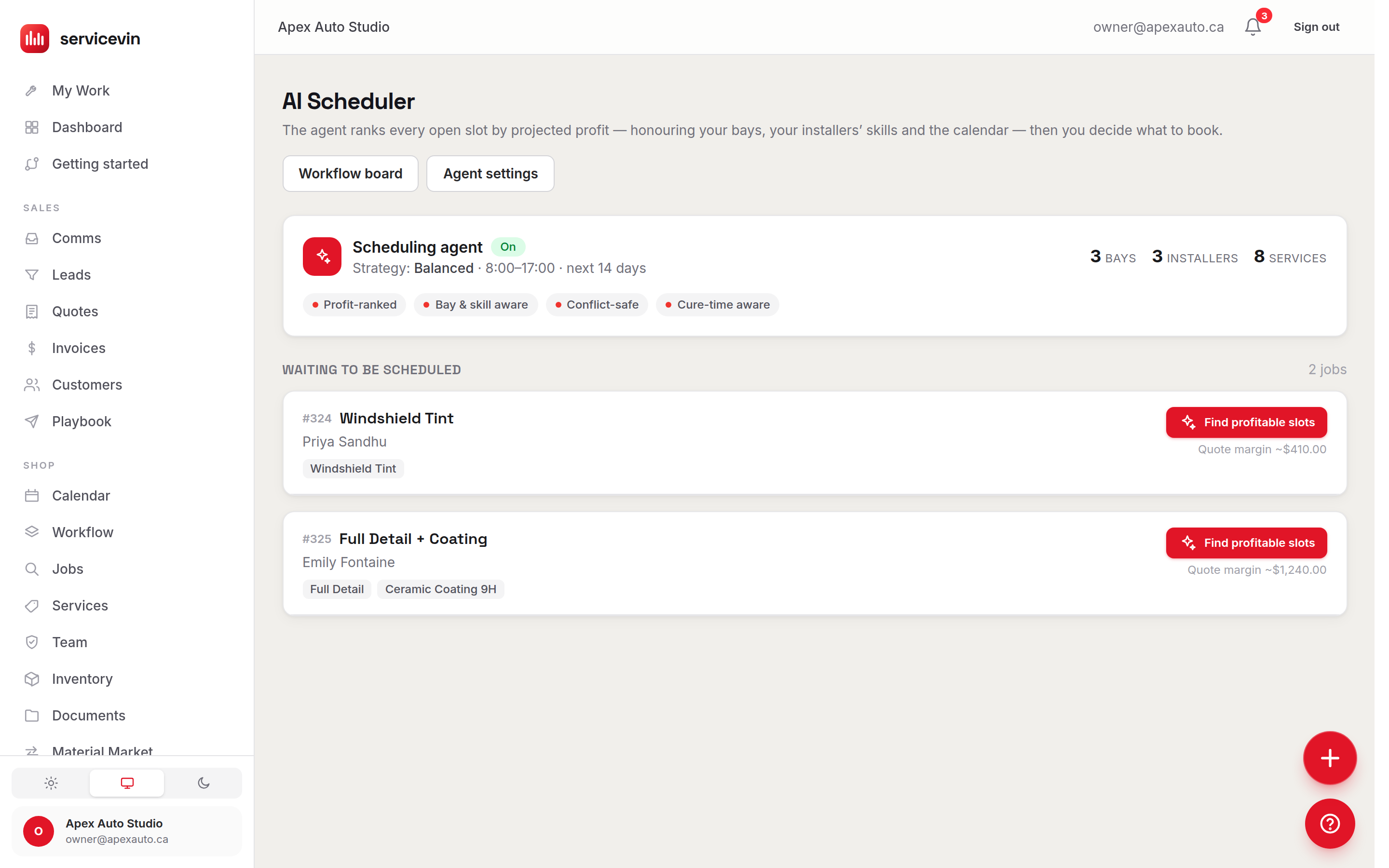
The AI Scheduler takes every job still waiting for a time — accepted quotes and new jobs without a slot — and ranks the open slots by projected profit. Its ranking is profit-ranked, bay-and-skill aware, conflict-safe, and cure-time aware: it honors which bays can take the work, which installers hold the required skills, film cure time, and everything already on the calendar. The agent suggests; you decide what to book — nothing lands on the calendar without a manager picking a slot.
The knobs, in Settings → Scheduling
The scheduler is honest about its inputs. The status card shows your live counts of bays, installers and services, and a Finish setup prompt appears when you have no active Stations or no priced Services — until then, some slots are estimates rather than real-margin rankings.
Tip
The scheduler's knobs live in Settings → Scheduling, not on /agents — the Agent settings button on the scheduler page takes you straight there.
Troubleshooting
No suggestions generate for any job.
Why: The scheduling agent is switched off.
Fix: Turn on “Show AI slot suggestions” in Settings → Scheduling.
A blue “Finish setup for sharper suggestions” banner won't go away.
Why: You have zero active bays or zero priced services, so the agent can't rank by real margin.
Fix: Add at least one active Station and priced Services under /services — the banner clears on its own.
The page says “You're all caught up” but I expected jobs.
Why: Only jobs without a scheduled time appear here; everything else is already on the calendar.
Fix: That's the good state. Accept a quote or create a job without a time and it will appear for placement.
Common questions
Does the scheduler book anything on its own?
No — it ranks and explains, a manager books. Every agent-assisted booking is logged with the slot chosen and its rank, so you can see how often you take its top pick.
What happens to slots below my margin floor?
They're flagged, not hidden — sometimes filling a bay beats the margin math, and that stays your call.