Shop profile: identity, hours & numbering
The one page every customer-facing surface reads: name, contact details, timezone, currency, tax rate, business hours, and how your document numbers look.
Settings & integrations10 in this section
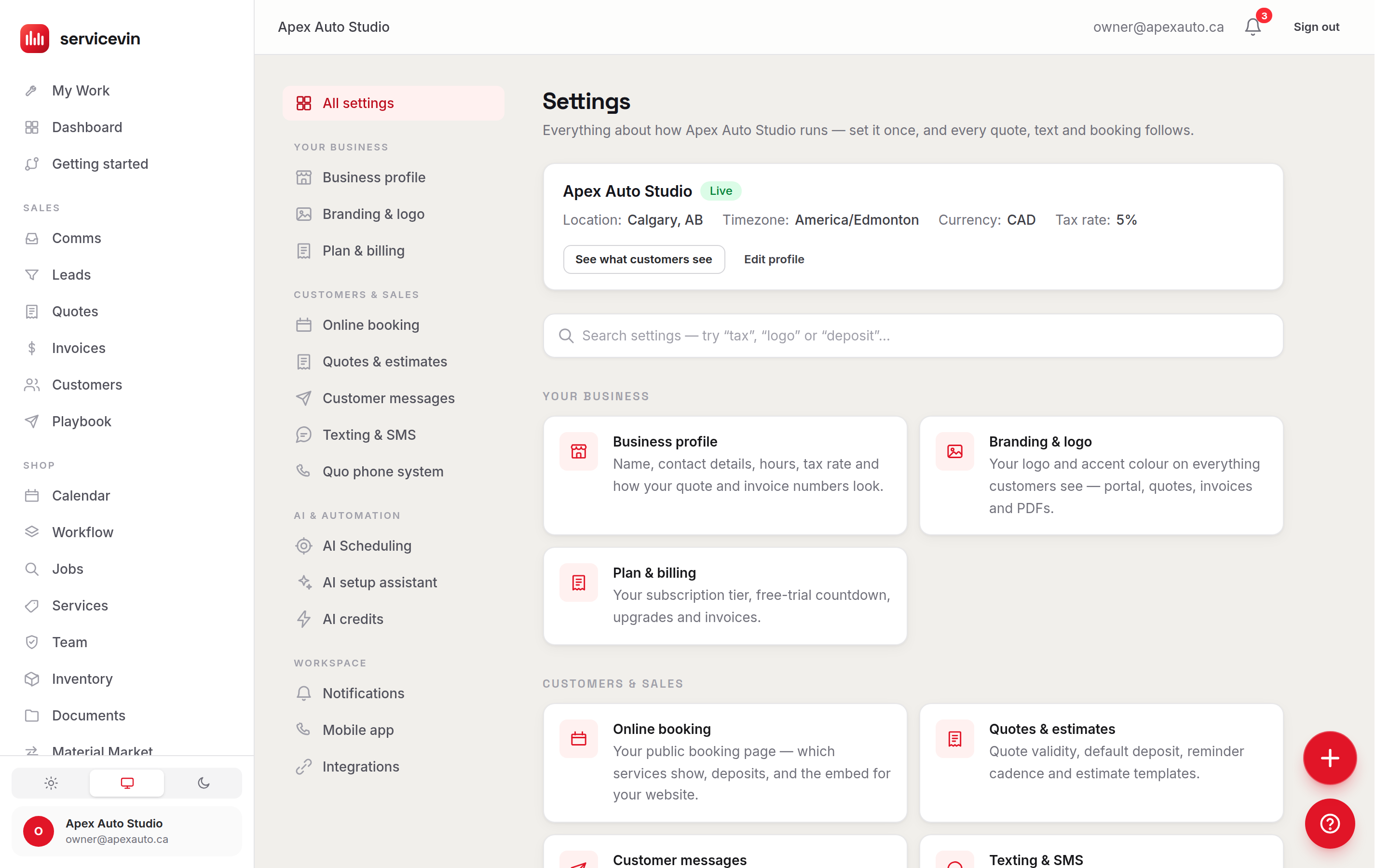
Settings → Shop profile is your shop's identity — the name, phone, email and address shown on quotes, invoices, the customer portal, emails and texts. It also holds three settings that quietly steer everything else: timezone (drives quiet hours, reminders and the calendar), currency, and the default tax rate that's seeded onto every new quote (still editable per quote). Only owners and managers can change it; everyone else sees the page read-only.
Business hours are your working week: tick the days you're open and pick an opening and closing hour for each. Unchecked days are closed. This is more than display — saving updates the AI Scheduler's working window (its earliest open and latest close across the week), so slots are only ever offered when the shop is actually open. One nuance: the phone number here is the one customers should call — your texting number is provisioned separately in Settings → Messaging.
Set up document numbering
- 1
Pick a prefix per document type
Quotes, invoices, jobs and warranties each get their own format — e.g.
Q-2026-for quotes orINV-for invoices. A live example next to each row shows exactly how number 42 will render. - 2
Pad to a fixed width (optional)
Choose "Pad to digits" to zero-pad — padding to 4 turns 42 into
0042, soINV-0042sorts and reads cleanly. - 3
Or leave it blank
An empty row keeps the classic #42 look. Formats show up everywhere at once: dashboard, customer portal, PDFs, emails and texts.
Numbering is display-only
The underlying sequence keeps counting gap-free, so changing a format never renumbers or skips documents — old documents simply render in the new format too. Safe to change any time.
Troubleshooting
Reminder texts and quiet hours fire at odd times.
Why: The shop timezone doesn't match where the shop actually is.
Fix: Set the correct timezone under Settings → Shop profile and save — reminders, quiet hours and the calendar all follow it.
The AI Scheduler offers slots on a day you're closed.
Why: That weekday is still checked in Business hours.
Fix: Untick the day (or fix its open/close hours) and save — saving updates the scheduler's working window.
Every field on the page is greyed out.
Why: Your login doesn't have the manager permission — the page is read-only for techs.
Fix: Ask an owner or manager to make the change, or to upgrade your role on the Team page.
Common questions
If I change the default tax rate, do existing quotes update?
No. The rate is seeded onto new quotes when they're created and stays editable per quote — existing quotes keep whatever rate they were written with.
My timezone isn't in the list — what happens?
The picker focuses on North American zones, but whatever timezone your shop already has is always kept in the list, so you'll never lose a custom one by saving.